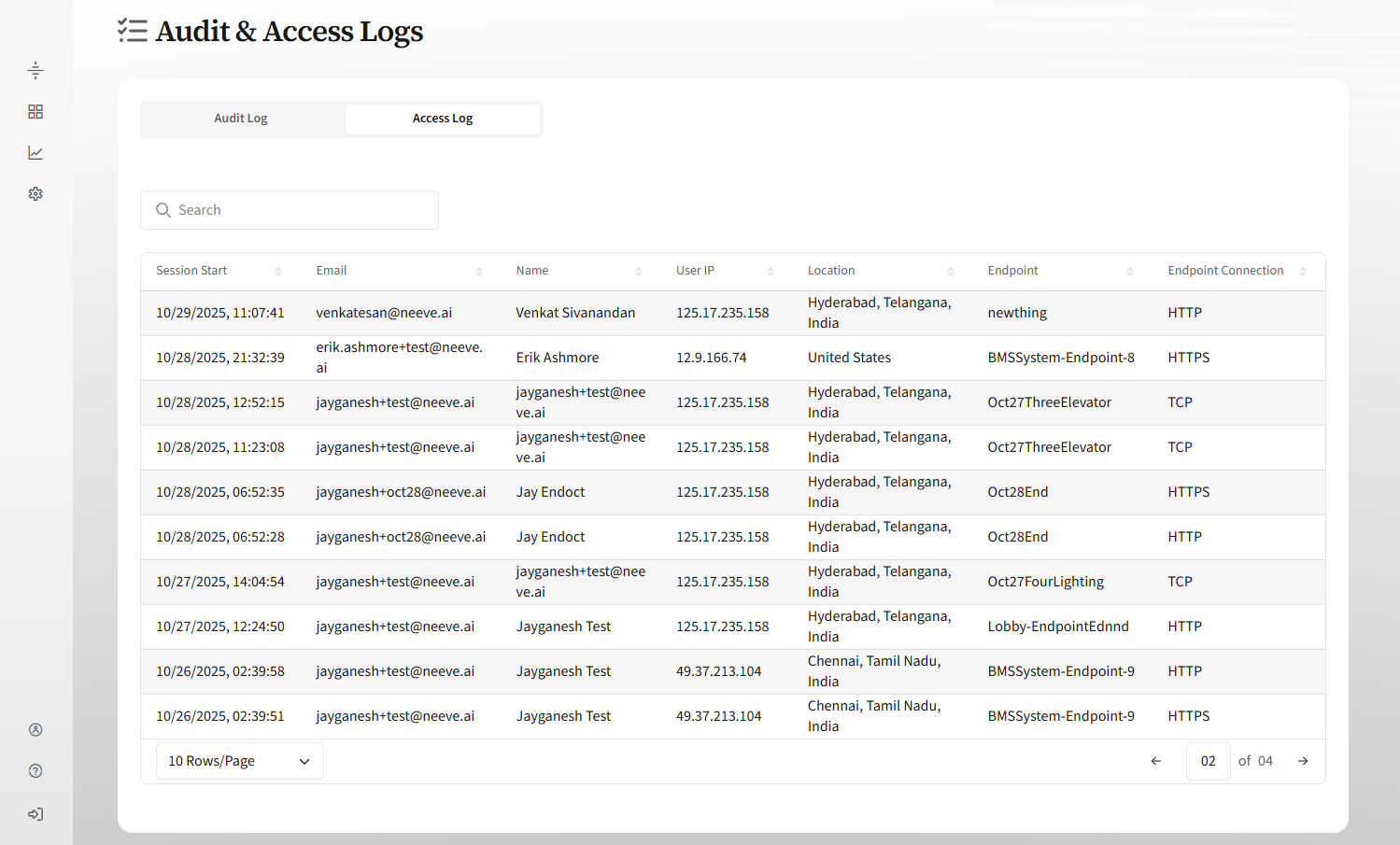
The Neeve Portal includes audit and access logs that list data about changes to your Neeve environment and users’ remote access sessions.
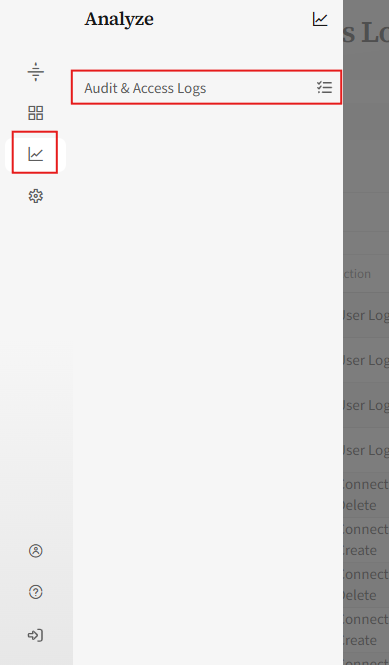
To see these logs, select Analyze from the portal’s left menu, and then select Audit & Access Logs.
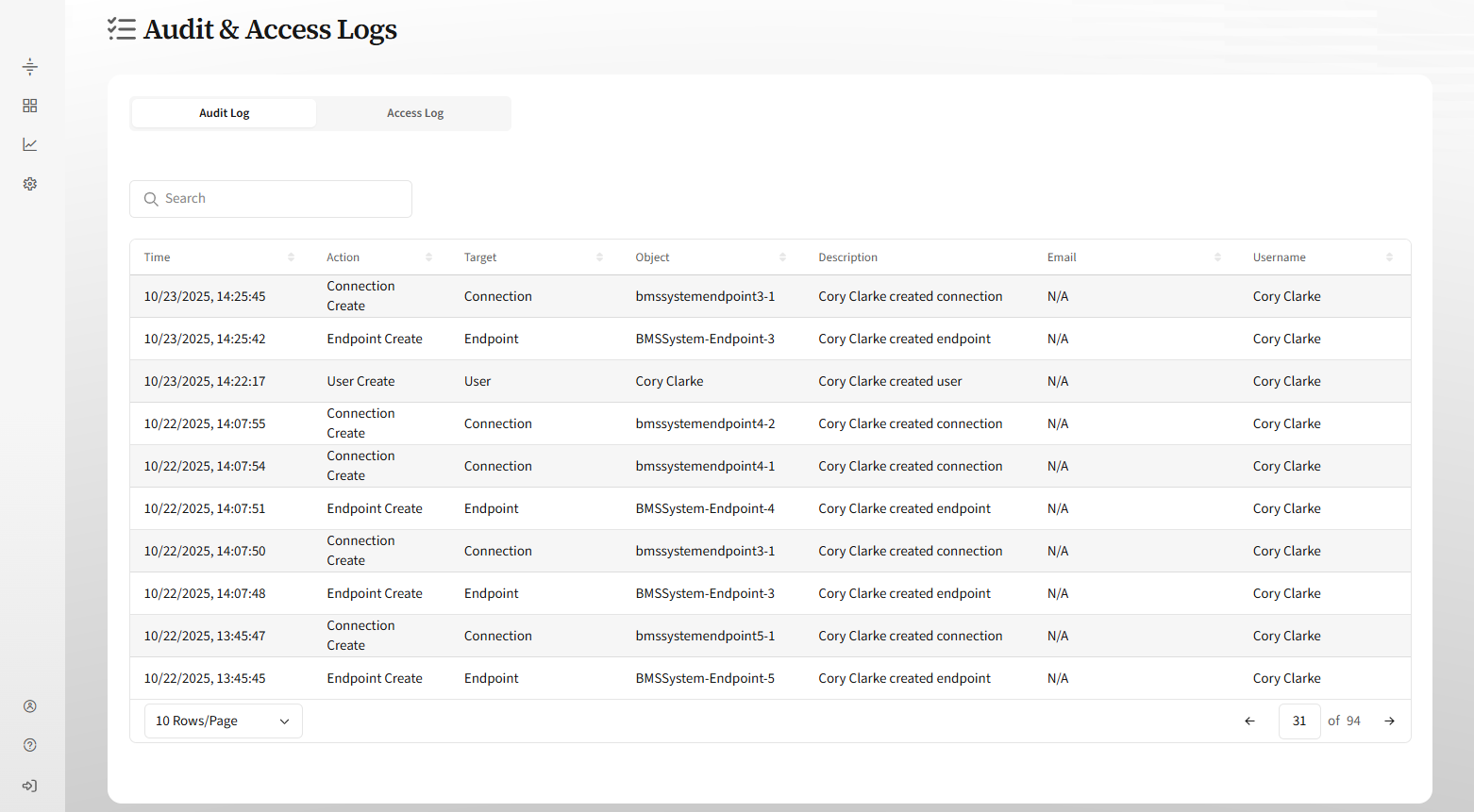
By default, the page opens to the Audit Log tab. The audit log displays all recent, user-initiated changes made to your Neeve environment, including start time (UTC), action, target, description of the changes, and the user’s name and email. You can sort on the column values.
Select the Access Log tab to see a log of all remote access sessions. The table includes sortable columns for session start time (UTC), user info and location, and the endpoint connection accessed.